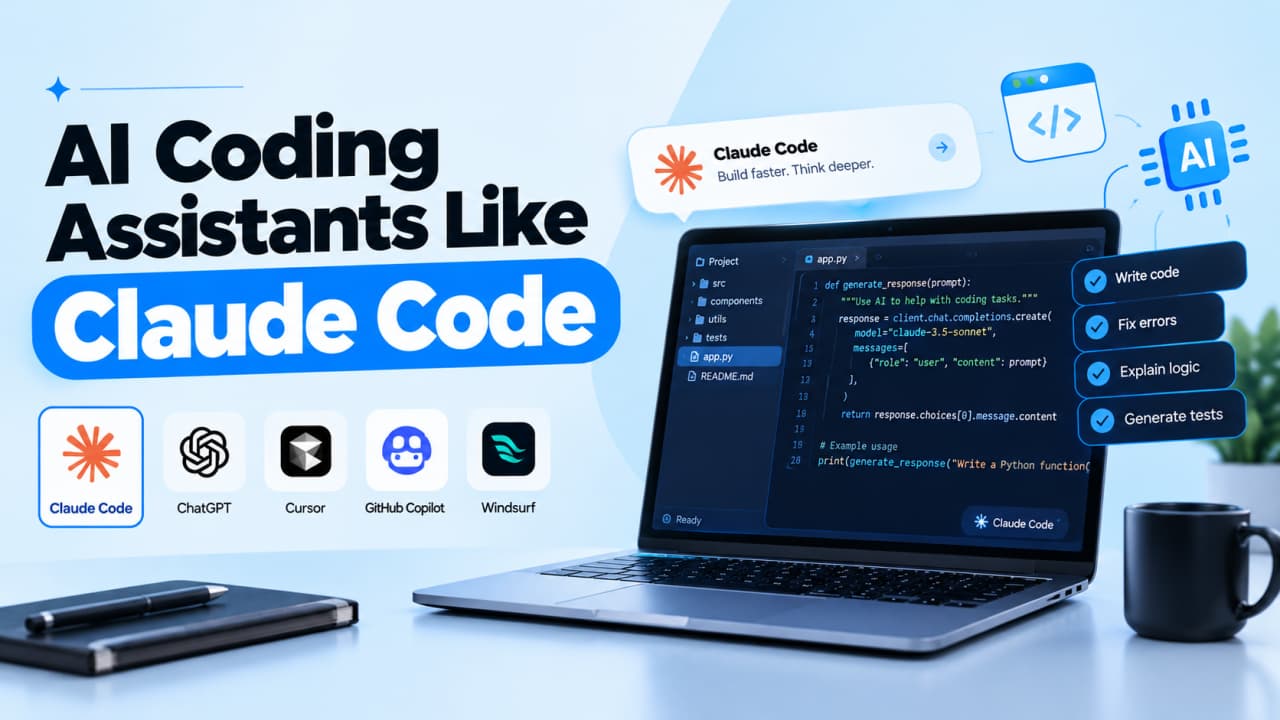
Claude Code fixes a bug across six files, runs the tests, and writes the commit. Then you hit your weekly limit on a Thursday.
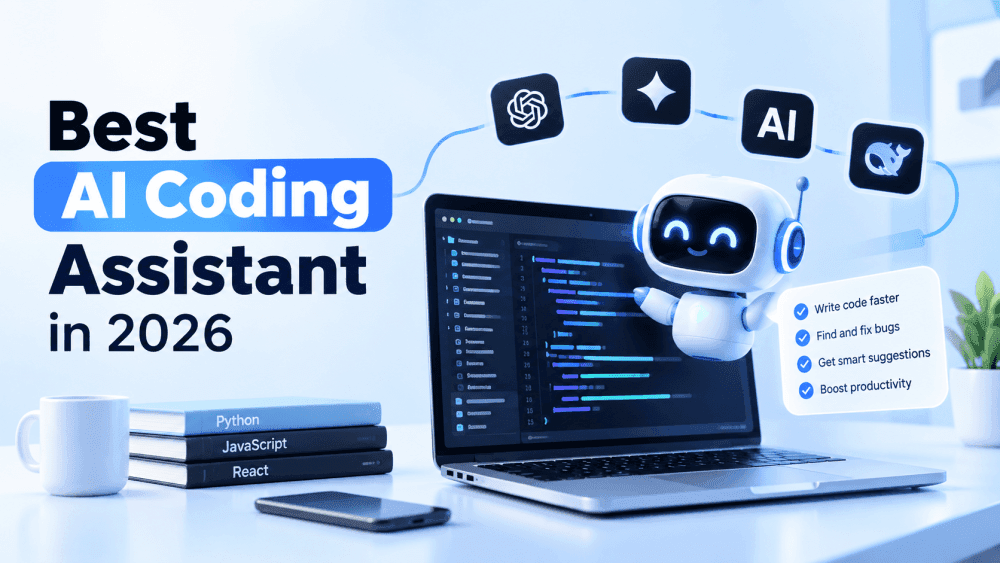
"Which tool is best?" is the wrong question. Ask . This guide compares the AI coding assistants that matter in 2026, using current pricing and real user complaints.
which tool fits your workflow
Quick answer
Claude Code is the strongest choice for agentic coding, where you hand off a whole task and review the result. The best AI coding assistants like Claude Code are OpenAI Codex (closest match), Cursor (best AI editor), GitHub Copilot (best value) and Cline (open source, any model).
TL;DR
Best for agentic coding: Claude Code
Closest alternative: OpenAI Codex, included with ChatGPT Plus
Best IDE experience: Cursor
Best for beginners and budgets: GitHub Copilot, free tier or $10/month
Best for enterprise: Copilot Enterprise, or Devin Desktop for regulated teams
Key Claude Code difference: it acts on your code instead of suggesting lines
Budget for limits, not just prices: every tool here now meters usage
Explanation on assistant, agent and autocomplete
Many comparisons blur these categories:
Code completion predicts your next lines as you type.
AI coding assistant is the umbrella term for chatting about and editing code.
AI coding agent takes a goal, edits multiple files, runs tests, and iterates. Claude Code is one.
AI-powered IDE is a full editor built around AI, like Cursor.
General chatbots can't see your project unless you paste code in.
AI Coding Assistants Like Claude Code at a Glance
Tool
Best for
Paid from
Claude Code
Delegating whole tasks
$20/mo
OpenAI Codex
Closest Claude Code match
$20/mo
Cursor
AI-native editing
$20/mo
GitHub Copilot
Budgets, GitHub teams
$10/mo
Devin Desktop
Running many agents
$20/mo
Google Antigravity
Free start
Free tier
Kiro
Plan-first AWS teams
$20/mo
Cline
Any model, open source
Free + model costs
How we ranked them: vendor benchmarks conflict, so we weighted agentic depth (30%), workflow fit (20%), cost predictability (20%), safety controls (15%), and model choice plus enterprise features (15%), using official docs checked in October 2026.
Building AI features, not just coding with AI?Most tools here lock you into their own models and billing. That's fine for an editor, but the app you ship shouldn't depend on one provider.Scriptrun's Open API gives your code one OpenAI-compatible key for OpenAI, Gemini, and Claude models.
The 8 best AI coding assistants like Claude Code
Each tool below gets a plain-English summary first, then the five features that matter most when you're choosing. Prefer to choose by task, such as debugging, refactoring, or code review? See our guide to AI coding assistants compared by job.
1. Claude Code
Claude Code is Anthropic's coding agent. You don't ask it for a snippet. You give it a job, like "write tests for the auth module, run them, and fix any failures," and it plans the work, edits the files, runs the tests, and reports back. Anthropic describes it as a tool that "reads your codebase, edits files, runs commands, and integrates with your development tools." The catch is usage: Claude Code shares one allowance with your Claude chats, and heavy days can hit the limit.
Works where you do: terminal, VS Code (and Cursor), JetBrains, a desktop app, the browser, and the Claude mobile apps, all running the same engine
Remembers your rules: a CLAUDE.md file sets coding standards for every session, and it can read an existing AGENTS.md instead
Splits big jobs: subagents work on different parts of a task in parallel, and background agents run full sessions side by side
Fits into your pipeline: pipe logs into it, run it in GitHub Actions or GitLab CI, or mention @Claude in Slack and get a pull request back
Pricing: included in Claude Pro ($20/month, or $17 billed annually), Max (from $100), and Team plans; not in the Free plan
💡 Pro tip:Commit your work before handing Claude Code a big task. If the result goes sideways, git gets you back in seconds, and reviewing a clean diff is far easier than untangling mixed changes.
Codex is OpenAI's answer to Claude Code, and the closest like-for-like alternative on this list. It works the same way: describe a task, let the agent edit and test, then review. The big draw is that it's included with ChatGPT Plus, so if you already pay for ChatGPT, you may already have it. Like Claude Code, it uses only OpenAI models, and Plus includes five-hour and weekly limits.
Open-source CLI: the terminal agent is open source under the Apache-2.0 license
IDE extension: runs in VS Code, Cursor, and Windsurf, with separate JetBrains and Xcode integrations
Cloud tasks: send work to the cloud and run several tasks in parallel while you keep coding
Automatic code review: reviews GitHub pull requests and posts its findings
Pricing: included with ChatGPT Plus ($20/month); Pro plans start at $100; Business is $25 per user monthly
Cursor is a full code editor built on VS Code, with AI woven into every part. If you like seeing changes as they happen and steering line by line, it feels more natural than a terminal agent. It's also the most flexible on models, letting you switch between vendors per task. Heavy users should watch the usage pool: outside models bill at API rates once your allowance runs out.
Familiar editor: most VS Code extensions, themes, and shortcuts carry over
Agents locally and in the cloud: run the agent in your editor, or hand tasks to cloud agents and check in later
Bugbot code review: reviews pull requests for bugs before they're merged
Model choice: models from Anthropic, OpenAI, Google and xAI, plus Cursor's own Composer models
Pricing: free Hobby tier; Pro $20, Pro Plus $60 and Ultra $200 per month; Teams $40 per user
⚠️ Common mistake:Treating project rules as hard limits. Cursor's own staff describe rules as guidance, not guarantees, so review agent changes even when your rules forbid them.
4. GitHub Copilot
Copilot is the assistant most developers meet first, and it's still the easiest to start with. It began as autocomplete and now includes an agent mode and a cloud agent that turns GitHub issues into pull requests. Its biggest strengths are price and reach: it runs in more editors than anything else here. The trade-off arrived in June 2026, when chat and agent use moved to token-based "AI Credits."
Widest editor support: VS Code, Visual Studio, JetBrains, Eclipse and Xcode, all with agent mode
Issue-to-PR agent: assign an issue and Copilot's cloud agent opens a pull request for review
Other agents built in: Pro+ and Max subscribers can run Claude and Codex agents inside Copilot
Free completions: code completions don't use AI Credits, so everyday autocomplete stays predictable
Pricing: Free; Pro $10; Pro+ $39; Business $19 and Enterprise $39 per user per month
📊 Expert insight:Copilot Business and Enterprise data isn't used for model training, which is why many companies treat Copilot as their safe default. GitHub paused new individual sign-ups in late May 2026, so check availability before planning around a personal plan.
5. Devin Desktop (formerly Windsurf)
If you're looking for Windsurf, this is it. Cognition, which bought Windsurf in 2025, relaunched it as Devin Desktop on June 2, 2026, calling it "the next generation of Windsurf." It keeps the Windsurf editor but shifts the focus to managing many AI agents at once, locally and in the cloud. One drawback: Cognition doesn't publish its usage allowances, so costs are harder to predict.
Agent Command Center: start, watch, and manage local and cloud agents from one screen
Works with other agents: runs agents that support the Agent Client Protocol (ACP)
Model choice: OpenAI, Anthropic, Google, and open-source models, plus Cognition's own SWE-2
Built for regulated teams: SOC 2, ISO 27001, FedRAMP High and zero data retention with model providers
Pricing: Free; Pro $20 and Max $200 per month; Teams $80 per month plus $40 per developer
🔁 Turning AI output into repeatable workflows?Coding agents build features once. For AI tasks your business runs every day, browse ready-made scenarios on theScriptrun Marketplace.
6. Google Antigravity
Antigravity is Google's agentic coding platform, and the easiest way to try agentic coding without paying. Individuals get a free tier with weekly limits. It also replaced Gemini CLI for consumer users in June 2026, showing how quickly Google's lineup is changing. Companies on Google Cloud can still use Gemini Code Assist, from $19 per user (billed annually).
Several ways in: a desktop app, a CLI, and extensions for VS Code, Visual Studio, JetBrains, Zed, and Xcode
Gemini plus Claude: runs Gemini models, with Claude models available on paid Google AI plans
Free tier: a no-cost plan for individuals, with weekly limits
SDK: build your own tools on top of Antigravity
Pricing: free for individuals; business plans from $30 per seat
Kiro is Amazon's AI coding environment, and the most structured tool on this list. Instead of jumping straight to code, it turns your prompt into written requirements and a technical design you can review first. That suits teams that want to approve plans before anything changes. AWS is also steering Amazon Q Developer users here: Q's IDE plugins reach end of support on April 30, 2027.
Spec-driven development: requirements and design documents come before code
Hooks: trigger automatic actions when files change, such as running tests
Parallel subagents: split larger tasks across several agents
CI-ready CLI: the command-line version can run without a screen inside build pipelines
Pricing: Free (50 credits); Pro $20 (1,000 credits); Pro+ $40; extra credits $0.04 each
8. Cline
Cline is the open-source option. It's a free VS Code extension that connects to whichever AI model you want using your own API key. There are no seat fees, which makes it popular with developers who hate lock-in. The downside is cost control: you pay the model provider directly, so a long agent session can cost more than a flat monthly plan.
Open source: free to use, inspect, and modify
Bring your own model: connect Anthropic, OpenAI, Gemini, OpenRouter, Amazon Bedrock, Google Vertex and more
MCP Marketplace: connect external tools and data sources from a built-in marketplace
Beyond VS Code: a CLI, plus Cline Desktop (launched September 2026) for running parallel agents
Pricing: free; you pay only for model usage. Enterprise plans add SSO and audit logs
💰 Watch your API bill.Bring-your-own-key tools give you control, but costs add up fast across models and providers. Our guide to LLM API cost optimization and unified AI billing explains how to keep spend predictable, andScriptrun's Open API gives your apps one OpenAI-compatible key for OpenAI, Gemini, and Claude models.
How Claude Code differs from other AI coding assistants
Doing vs suggesting: Copilot's completions suggest lines. Claude Code plans, edits files, runs tests, and commits.
Terminal-first: Cursor and Kiro are editors with agents inside. Claude Code started in the terminal, and you can script it, for example by piping logs into it or running it in CI.
Model choice: Claude Code runs Claude models only. Cursor, Copilot, and Cline let you switch vendors.
What changed in 2026
This year's news around Cursor, Copilot, Windsurf, and Claude Code:
Metered usage everywhere: Copilot moved to AI Credits, and the others use limits or credits.
Windsurf became Devin Desktop, and Google replaced Gemini CLI for consumers.
SpaceX completed its acquisition of Cursor in August.
Agents went parallel and cloud-based, with MCP as the standard way to connect tools.
How to choose between AI coding assistants like Claude Code
Delegate tasks from the terminal: Claude Code or Codex
Stay in an AI editor: Cursor
Low cost: Copilot
Strict compliance: Copilot Enterprise or Devin Desktop
No lock-in: Cline
Before paying, run one real bug fix on two tools. Track the cost per task, review every diff, and check whether your plan trains on your code. In Stack Overflow's 2025 survey, only 33% of developers trusted AI accuracy, and 66% cited code that was "almost right, but not quite."
Where Scriptrun fits
Coding assistants write your code. When that code calls an AI model, say for a support bot, you need a model API.Scriptrun's Open API is OpenAI-compatible, so existing OpenAI SDK code switches over by changing the base_url and key. It covers chat, embeddings, vision, and tool calling, plus workflows with webhooks.
Try this: ask Claude Code to build your AI feature with the OpenAI SDK, then point it at Scriptrun.
Ship AI features without lock-in.Get your Scriptrun API keyand call multiple models through one endpoint.
The bottom line
The best AI coding assistants like Claude Code aren't interchangeable. Claude Code leads for delegated work, Cursor for editors, Copilot for value and Cline for control. Test two on one real task and let the results decide.
Helpful?
Share this article!
Build AI workflows in minutes
Create automations, connect APIs, and access 50+ AI models from a single platform.
Create automations, connect APIs, and access 50+ AI models from a single platform.
Visual workflow builder
OpenAI-compatible API
Workflow marketplace & templates
Start free, plans from $5
FAQs about AI coding assistants like claude code
Is Claude Code included with Claude Pro?
Yes. Claude Code comes with Pro ($20/month), Max, Team, and Enterprise plans, but not Free. Usage is shared across your Claude chats and resets every five hours, with weekly limits on top. Heavy users can upgrade to Max.
Is Claude Code better than Cursor?
It depends on your workflow. Claude Code is stronger when you delegate a full task and review the result. Cursor is better for steering changes inside an editor and switching model vendors. Many developers use both, since Claude Code installs as a Cursor extension.
Is Claude Code better than GitHub Copilot?
For multi-file tasks, usually yes. Copilot is cheaper at $10/month, works in more IDEs, and its cloud agent has narrowed the gap. Teams already built around GitHub often get better value from Copilot.
What happened to Windsurf?
Cognition, which bought Windsurf in 2025, relaunched it as Devin Desktop on June 2, 2026, calling it "the next generation of Windsurf." It keeps the Windsurf editor and adds tools for managing local and cloud agents.
Can AI coding assistants write production-ready code?
Sometimes, but not without review. AI code can look right yet fail edge cases or reference packages that don't exist. Treat every AI change like a teammate's pull request: run the tests, read the diff and keep changes small.
Learn how to measure API latency, benchmark DeepL requests, investigate Discord delays, and improve AI API performance. Set realistic targets and test changes without overlooking reliability, output quality, or cost.
Is ChatGPT General Purpose Technology? Explore the evidence, what it means for businesses, and how ScriptRun helps turn AI capabilities into repeatable processes.
Compare 8 AI coding assistants by job, not hype: current 2026 pricing, agent features, privacy options and the limits vendors leave out of their pages.
Practical strategies for LLM API cost optimization. Learn how to reduce your cloud computing bills using dynamic model routing, context caching, and a unified enterprise billing platform.


 Tina
Tina